

Publishing the same content on multiple platforms manually can slow down productivity and lead to inconsistency. By using Pabbly, you can automate content publishing from WordPress to Blogger, ensuring your posts are shared instantly without repetitive effort.
This guide explains how to set up the integration step by step, making it easy for bloggers, marketers, and businesses to automate content distribution efficiently.
Why Automate WordPress to Blogger Posting?
Both WordPress and Blogger are powerful blogging platforms. WordPress offers flexibility and advanced content management, while Blogger is tightly integrated with Google’s ecosystem.
Automating this workflow helps you:
- Save time on manual posting
- Maintain consistent content across platforms
- Reduce human errors
- Improve publishing efficiency
- Scale content marketing efforts
Automation tools like Pabbly make this integration possible without coding.
What Is Pabbly and How Does It Work?
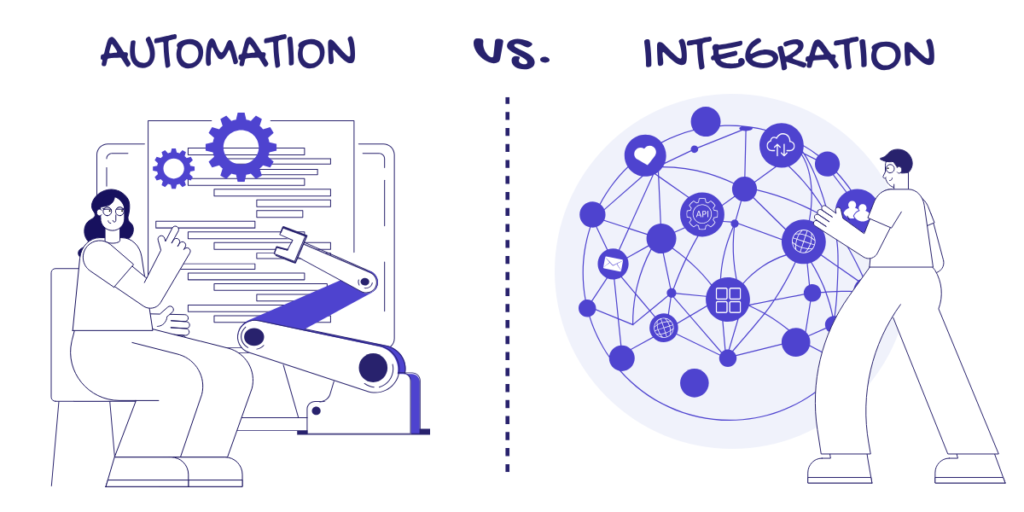
Pabbly is a no-code automation platform that connects different applications using triggers and actions. It listens for events in one app (WordPress) and performs actions in another app (Blogger).
According to Wikipedia’s automation overview, automation improves efficiency by handling repetitive digital tasks—exactly what content syndication requires.
Prerequisites Before Setup
Before starting the integration, make sure you have:
- An active WordPress website
- A Google Blogger account with at least one blog created
- A Pabbly Connect account
- Admin access to WordPress and Blogger
- Published or scheduled WordPress posts
Once these are ready, you can begin the setup.
Step-by-Step: How to Set Up WordPress to Blogger Integration Using Pabbly
Step 1: Create a Workflow in Pabbly
Log in to your Pabbly Connect account and create a new workflow. Give it a name such as WordPress to Blogger Automation.
Step 2: Set WordPress as the Trigger
- Choose WordPress as the trigger application
- Select the trigger event (e.g., New Post Published)
- Connect your WordPress site using the REST API credentials or plugin
- Test the trigger to fetch sample post data
This step allows Pabbly to detect new WordPress posts automatically.
Step 3: Add Blogger as the Action App
- Choose Blogger as the action application
- Select the action event (e.g., Create a Post)
- Connect your Google account
- Select the target Blogger blog
This tells Pabbly where the content should be published.
Step 4: Map WordPress Data to Blogger Fields
Map the WordPress post fields to Blogger fields:
- Title → Blogger post title
- Content → Blogger post body
- Featured image → Blogger media (if supported)
- Author → Blogger author (optional)
Proper field mapping ensures content appears correctly on Blogger.
Step 5: Test and Activate the Workflow
Run a test to confirm the post is published on Blogger. Once verified, activate the workflow.
From this point forward, every new WordPress post will automatically publish on Blogger.
Best Practices for This Integration
To maintain quality and SEO:
- Use canonical URLs to avoid duplicate content
- Publish summaries instead of full posts if needed
- Maintain consistent formatting
- Monitor automation logs in Pabbly
- Periodically test the workflow
Professional services like TopGenLead help businesses configure these integrations securely and SEO-friendly.
Who Should Use This Automation?
This setup is ideal for:
- Bloggers managing multiple platforms
- Digital marketers
- Content agencies
- Businesses using automation workflows
- Brands focused on efficiency and scalability
Automation allows teams to focus more on strategy and content quality rather than repetitive tasks.
FAQs About Pabbly, WordPress, and Blogger Integration
Q1: Do I need coding knowledge to use Pabbly?
No, Pabbly is a no-code automation platform.
Q2: Can I automate existing WordPress posts?
Yes, depending on trigger settings and workflow configuration.
Q3: Does this integration affect SEO?
When configured properly, it supports SEO and content distribution.
Q4: Is Blogger free to use?
Yes, Blogger is a free platform by Google.
Q5: Can TopGenLead help with setup and automation?
Yes, TopGenLead provides automation and integration services.
Conclusion
Setting up Pabbly to integrate WordPress with Blogger is a smart move for anyone looking to automate content publishing. This integration saves time, improves consistency, and supports scalable content marketing strategies.
With the right setup and best practices, automation becomes a reliable asset rather than a risk. Businesses that partner with experienced providers like TopGenLead can ensure their automation workflows are efficient, secure, and optimized for long-term growth.